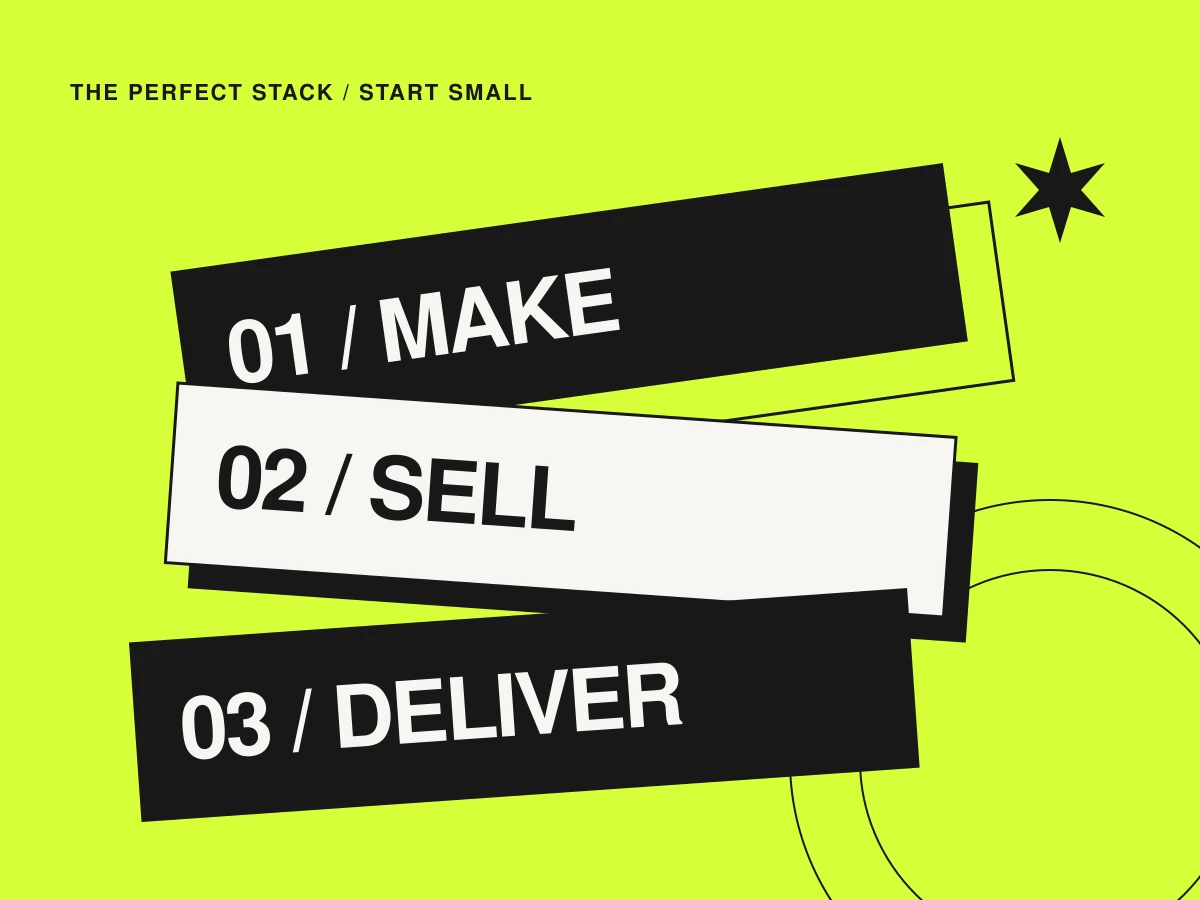
Say you have made a useful PDF workbook. You want someone to understand it, pay for it and receive it. That is the brief. Before you assemble a seven-tool empire, map those three moments and see how few moving parts you need.
Make the thing worth opening
Start in the writing or design tool you already know. A workbook needs clear prompts, enough room for answers and a file that opens properly on the devices your audience uses. Give it a descriptive filename and a version date. Keep an editable source copy somewhere you can find it again.
Write a small product brief alongside it: who it helps, what is included, the file format and what the customer needs to use it. A few honest preview pages can do more than a sprawling sales page. Avoid promises the download cannot deliver.
Let one service handle buying and delivery
Gumroad is one option for selling digital products. Its product setup guide walks through creating a product and adding its content. For a first downloadable workbook, a hosted product page can be a reasonable place to begin.
Read the current fees, seller eligibility, payout arrangements and product rules before committing. This is a workflow suggestion, not a claim that one checkout suits every location or business. Confirm the support and refund information your customers will see, too.
The optional bits should stay optional
| Job | A lean starting point | Add more when… |
|---|---|---|
| Create the product | Your existing writing or design tool | A specific format needs another capability |
| Explain, sell and deliver | A hosted digital-product page | The page cannot explain the offer clearly enough |
| A separate branded landing page | Optional | You need more control over the presentation |
| A reader newsletter | Optional | You have a clear reason for people to subscribe |
If you do want a separate one-page site, Carrd is worth exploring. Check its plan features: custom domains, forms and embeds are not all part of the same basic setup. A plain link to your hosted checkout may be enough before you need anything more integrated.
Walk through the whole customer journey
- Read the product page as a first-time visitor. Is the file format, price and contents clear?
- Use the provider’s documented test process where available, with information you control.
- Check the receipt, download link and actual file. Try the journey on a phone as well.
- Make the support route easy to find. Keep the delivery process separate from an optional newsletter signup.
- Write down how you will upload a corrected version and help someone whose download fails.
Add the next tool when you can name the problem
After launch, keep a short list of repeated questions and awkward manual steps. Those are better clues than a stranger’s enormous app list. If nobody can tell what your workbook is for, improve the page. If customers struggle with the file, improve the instructions. Buying more software is only useful when it solves the problem in front of you.
For the bigger picture, see where a newsletter, a landing page and a checkout fit together. The ideal first stack is one you can explain, check and maintain yourself.