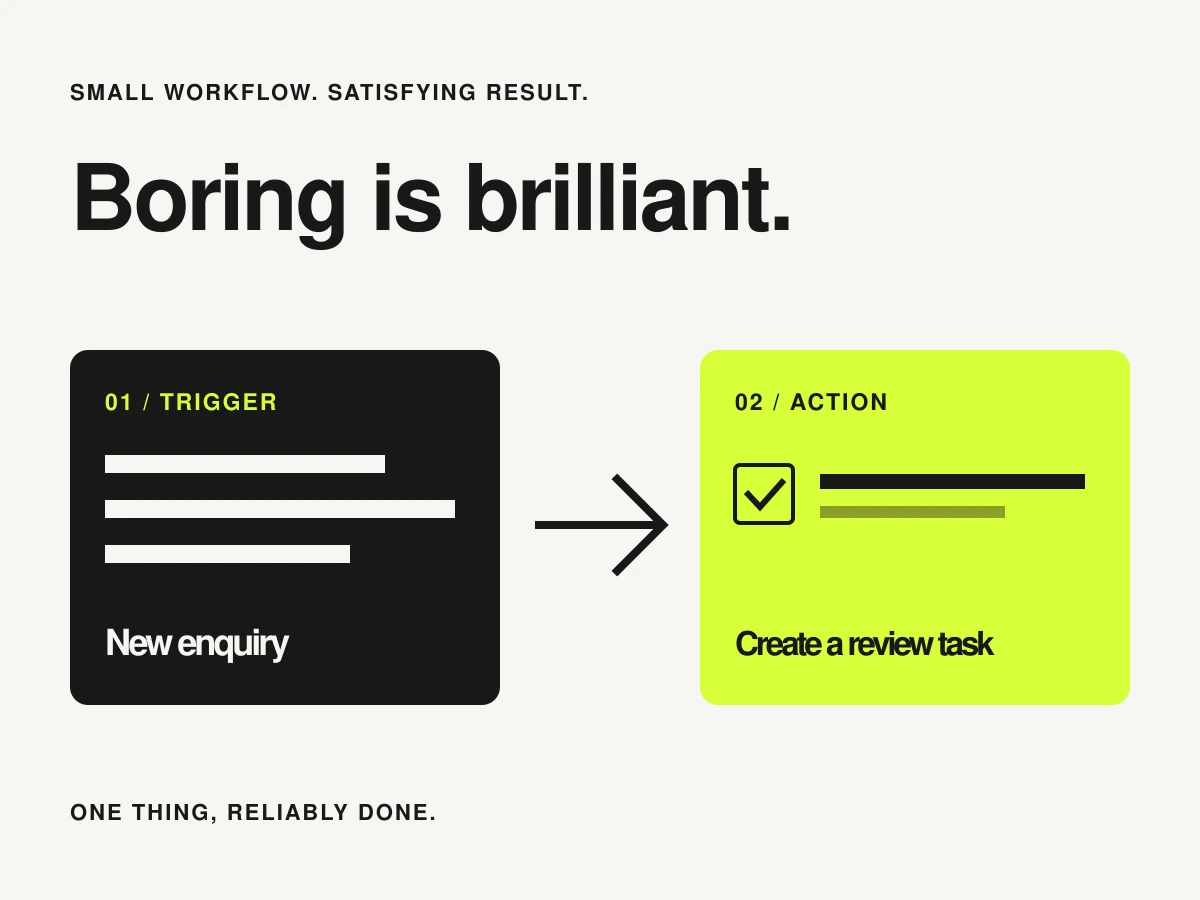
There is something satisfying about a huge automation diagram. There is also something satisfying about a new enquiry appearing in the right task list, with the useful details attached. For your first attempt, choose the second kind of satisfaction.
Describe it in one sentence
Try: ‘When a new enquiry arrives, create a task for me to review it.’ The enquiry is the trigger; creating the task is the action. It saves copying while leaving the reply with a person. Avoid choosing a first workflow that sends messages, changes payments or deletes records before you understand its behaviour.
Zapier describes a Zap as a workflow with a trigger and one or more actions. Make uses scenarios to connect app steps into workflows. Either is a starting point to investigate, provided it supports the exact event and action your chosen apps need. An app logo in a directory is not enough.
Decide what a good task looks like
- A useful title, such as ‘Review enquiry from Alex’.
- The source record’s identifier or link, so you can find the original.
- Only the details needed for the review.
- A clear owner or destination list.
- A recognisable marker that distinguishes the automated task from other work.
Choose a stable source identifier for duplicate checks. An email address alone may not distinguish two separate enquiries from the same person. Think about what should happen when optional details are blank, or when somebody submits the form twice.
Test in a place where mistakes are easy to clean up
Use dummy details and a test list or workspace first. Zapier’s action setup guide includes testing the action; remember that an action test can create a real item in the connected app. Label your samples clearly and understand the destination before pressing the button.
| Test case | What you want to learn |
|---|---|
| One complete enquiry | The right fields reach the right task |
| Missing optional information | The task still makes sense |
| The same source event retried | Whether the workflow creates a duplicate |
| A connection or permission problem | Where the failure appears and who will notice |
Leave yourself a small operating note
Record what starts the workflow, which accounts it uses, where to inspect runs and how to pause it. Check the provider’s retry behaviour before replaying a failed run: some earlier steps may already have succeeded. A visible error is easier to fix than a quiet assumption that everything worked.
Run the small version before adding branches
Look through the first real results. Are the tasks useful? Are you still opening three apps to find missing context? Improve that one step before adding another. A reliable little workflow can earn its place without becoming a project of its own.
When you do add a step, ask what happens if it runs twice and how you would undo it. Keeping a human review point is often a sensible choice. The aim is to remove repetitive copying while preserving your ability to see what happened.