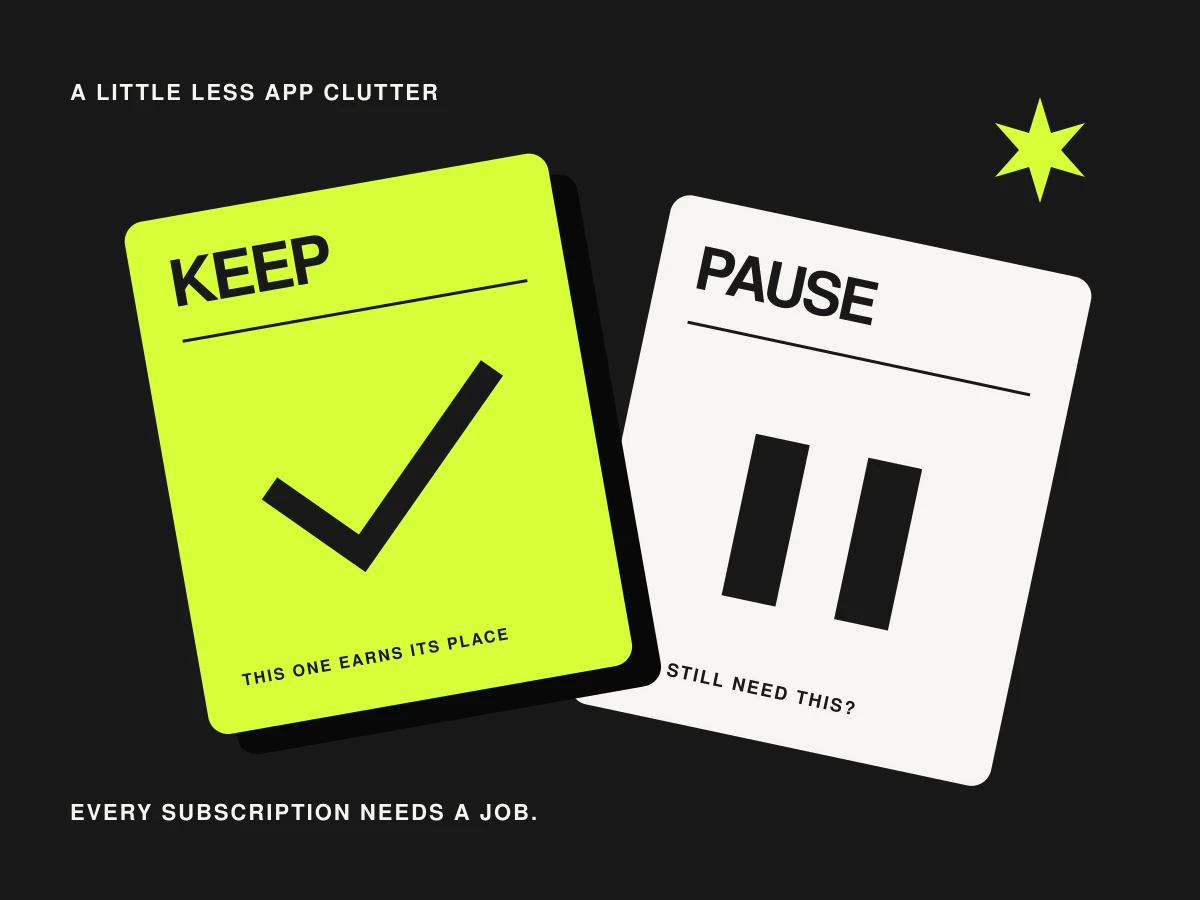
Some subscriptions earn their place every week. Others are kept alive by a vague feeling that you should really use them. This is an invitation to look at five common overlaps and decide what still deserves a recurring payment.
1. A page builder for a single signup form
If your only page asks people to join a newsletter, inspect the page tools in your email platform first. MailerLite’s landing pages and Kit’s landing pages are examples. That does not mean you should move: design needs, custom domains and your existing links may justify the separate service. It means the second bill should have a clear job.
2. Two design subscriptions for the same weekly task
Look at your last month of actual output. If both apps were used for the same basic social graphic, try recreating one routine task in the tool you prefer. Check fonts, exports, team access and the asset rights you rely on. A specialist tool may still be essential for one important format; occasional use is not automatically wasted use.
3. A separate form app with nothing special to do
A complex application form can deserve its own tool. A name-and-email box may already be covered by your website or newsletter platform. Before moving it, check validation, spam controls, consent wording, accessibility and where submissions go. The saving is only worthwhile if the simpler form still does the whole job.
4. An automation plan running yesterday’s project
List the workflows that ran recently and identify who relies on each one. A quiet workflow might still handle an important monthly task, so investigate before switching it off. For an unused experiment, pause it, document what it did and check that nobody loses a reminder or record they need.
5. The upgrade you bought for future you
Maybe it was a course platform before you had a course, or a scheduling suite for channels you never started. Compare the paid features with the work you actually plan to do next month. If there is no concrete need, consider a downgrade at the renewal point. Save your content and understand what access changes before you do.
Make a one-page app audit
| Write this down | Why it helps |
|---|---|
| Tool, renewal date and actual charge | Turns vague spending into a visible list |
| The job it does | Makes duplicates easier to spot |
| Who or what depends on it | Prevents a tidy-up from breaking useful work |
| Keep, trial a replacement or review later | Gives each decision a clear next step |
Do the simplest change first. Export what you need, note any connected forms or links, and check what cancellation does to stored work. A good audit can end with ‘keep it’ for a tool that saves real time. The goal is a setup you understand, with each subscription attached to a useful job.
If you are starting from scratch, our tiny digital-product stack is a good place to practise buying only what you need.